Copy one source to many destinations
Build transfers from cards, drives, or folders and send them to one or more destinations in a single Mac-native workflow.
 ocfSync
Native macOS media offload
ocfSync copies camera cards, drives, and folders from one or more sources to one or more destinations, with checksums, duplicate handling, live project sharing, transfer logs, MHL output, and project reports built in.
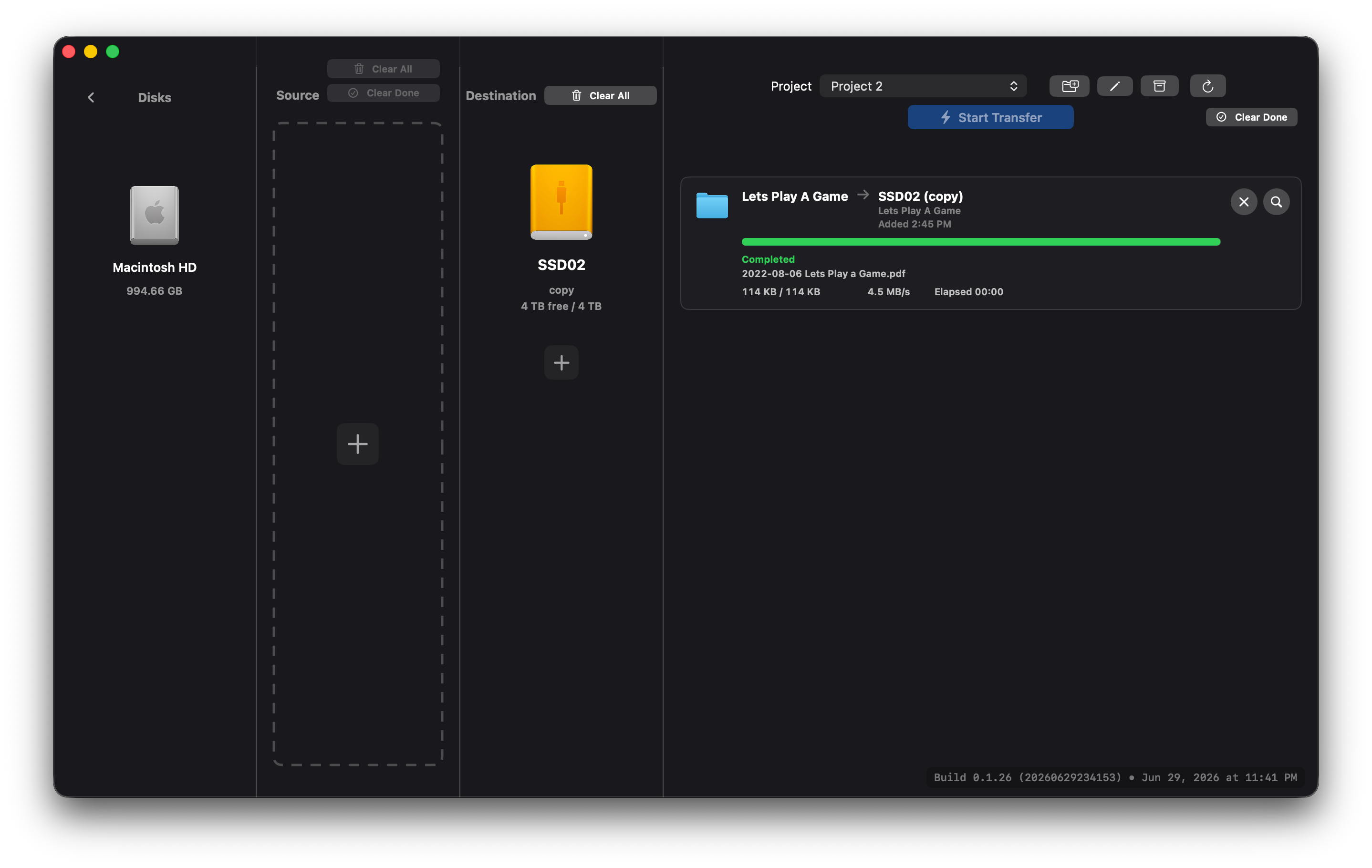
Production flow
Drag in SD cards, CF cards, SxS media, folders, or mounted drives.
Send the same source to multiple drives without rebuilding the job.
Track progress, speed, warnings, skipped duplicates, and completion state.
Keep project logs, notes, MHL files, CSV exports, and polished PDFs for post.
What it does
ocfSync keeps the main screen focused on the job: source selection, destination selection, transfer state, and disk discovery.
Build transfers from cards, drives, or folders and send them to one or more destinations in a single Mac-native workflow.
Generate checksums while copying so every completed transfer has a clear verification trail.
Skip files that are already present and record why each file was skipped instead of hiding the decision.
Return to disk selection while transfers continue and queue the next source without losing the current job state.
Review destination space, scan failures, existing data, conflicts, and partial copies before starting a transfer.
Publish a project code for producers, post, or remote teammates to view transfer progress, issues, and reports in a browser for 24 hours, 3 days, or 7 days.
Group transfers into a shoot project with source names, card size, ingest time, destination paths, statuses, warnings, and notes.
Live sharing
Start sharing from the active project and ocfSync publishes a browser-viewable progress page with a 6-character code. The share keeps itself current while transfers run, then expires automatically based on the availability window you choose.
Paper trail
ocfSync writes transfer logs and MHL output, then keeps every ingest attached to a project so post gets a readable record instead of a pile of loose notes.
ocfSync for macOS
Built for Mac-based production teams that need fast media movement, visible progress, and a reliable record of what landed where.